Training Videos for Teachers

The Language Tree Online ELD program is easy for both teachers and students to use. All the resources you need to teach your English language learners are in one place.  Watch these short training videos to learn about how the program is structured and how to navigate to the different areas of the program.
Diagnostic Assessments and Performance Indicators

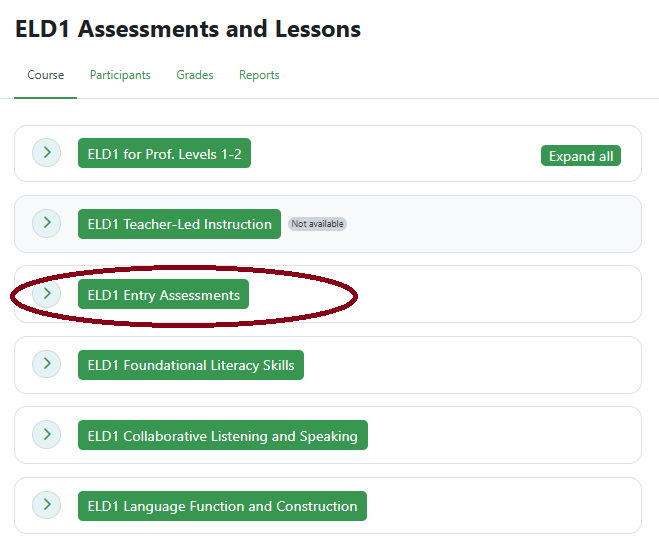
Diagnostic Entry and Exit Assessments 

LENGTH: 4:34

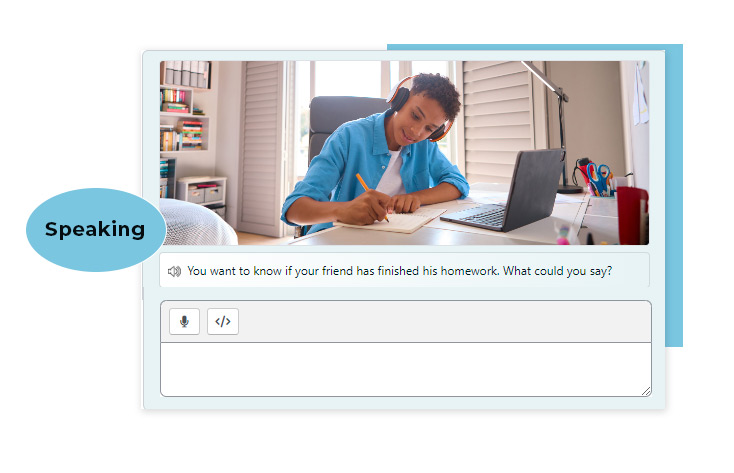
Non-newcomer students should take the ELD 1 or ELD 2 diagnostic Entry Assessments as a first step. English learners with proficiency level 1 or 2 should start with the ELD1 Entry Assessments. More advanced learners (levels 3 - 4, and LTELs) can start with the ELD2 Assessments. See a demo of Entry and Exit Assessments in the program and learn how you can use the results to determine teaching next steps and measure student growth at the end of the year.

Performance Indicator for ELPAC Support

LENGTH: 4:16

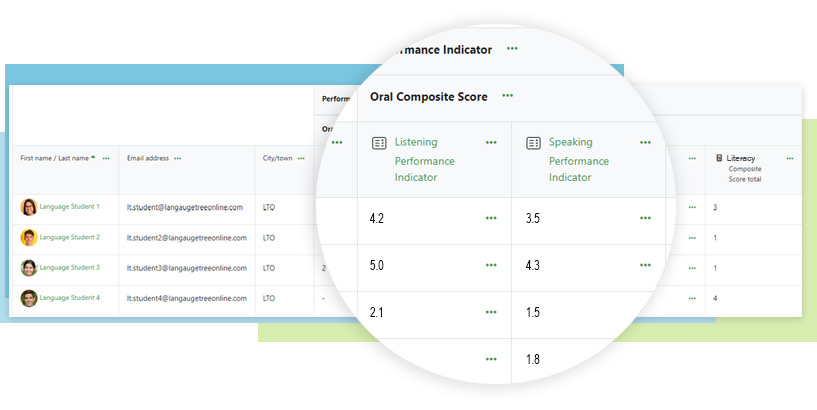
Learn how to deliver the Performance Indicator (PI) for ELPAC Support at the beginning of the school year to help inform the instructional path. Then see how you can use the PI to prepare secondary students for the summative ELPAC ahead of the assessment date. The Performance Indicator mirrors the rigor and format of the ELPAC to offer realistic practice across all four domains (Reading, Listening, Speaking, and Writing).

Performance Indicator for ACCESS Support

LENGTH: 4:37

The Performance Indicator (PI) for ACCESS Support provides secondary grade ELLs the opportunity to practice question types found in the summative ACCESS. We will discuss how to use the PI at the beginning of the school year to determine student placement in the program. Then use it for teacher-led or independent practice right before the high-stakes assessment.

administrating WIDA tool

Curriculum for Newcomers to LTELs
Newcomers Module: American School Culture, Teacher-led Lessons, and Practice Assignments 

LENGTH: 7:46

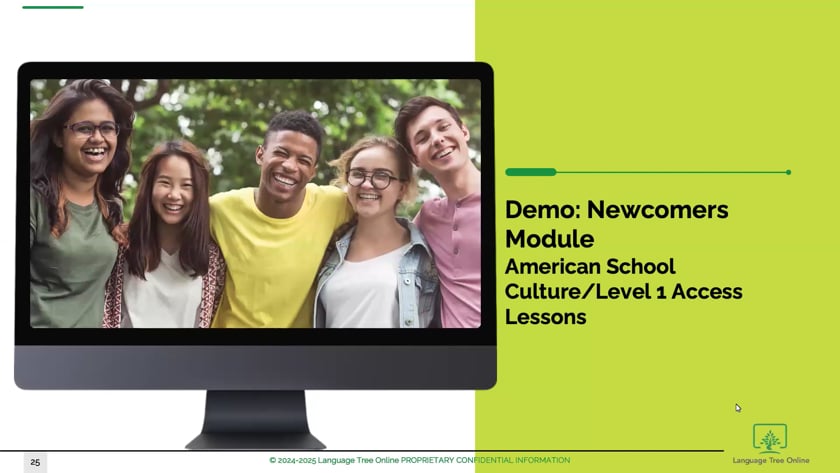
Newcomer students should start on this module. The American School Culture component is designed to help newly arrived students acculturate and gain functional vocabulary.  For students with limited English competency, there are also  28 "Newcomers Access" lessons. These highly scaffolded, teacher-led lessons help students access the ELD 1 level language skills.  We'll walk through where to find these resources in the program and provide teaching best practices.

vimeo-video-thumbnail

ELD1  Standards-Based Hybrid Curriculum: Lessons, Practice Assignments, and Teacher-Led Instruction

LENGTH: 5:55

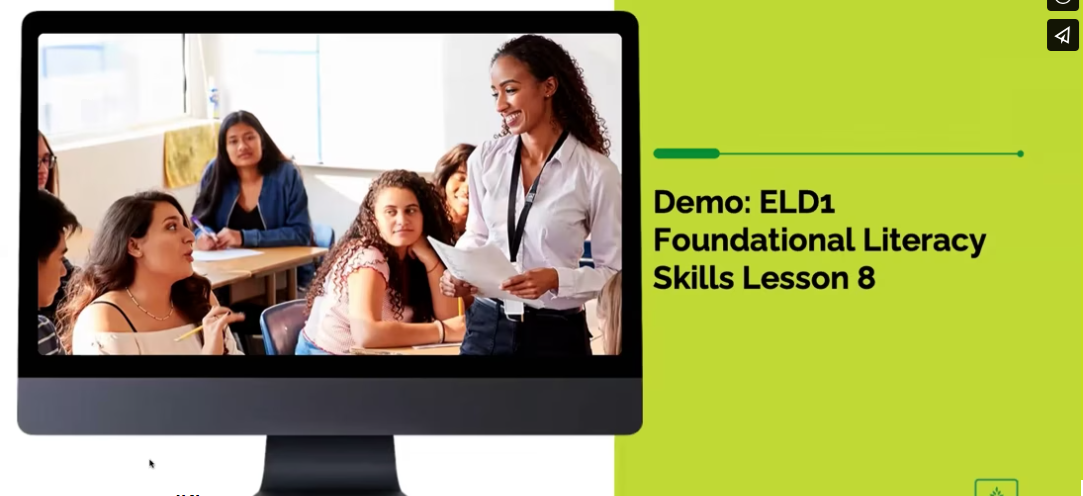
The core elements of our ELD 1 curriculum include the three standards-based lesson modules, practice assignments, and the teacher-led instructional routines for the classroom. In this training video, we will demo and provide an overview of the Foundational Literacy Skills lesson module, which is where Beginner/Emerging-level students will start the lessons in the program.

ELD2 Standards-Based Hybrid Curriculum: Lessons, Practice Assignments, and Teacher-Led Instruction

LENGTH: 11:16

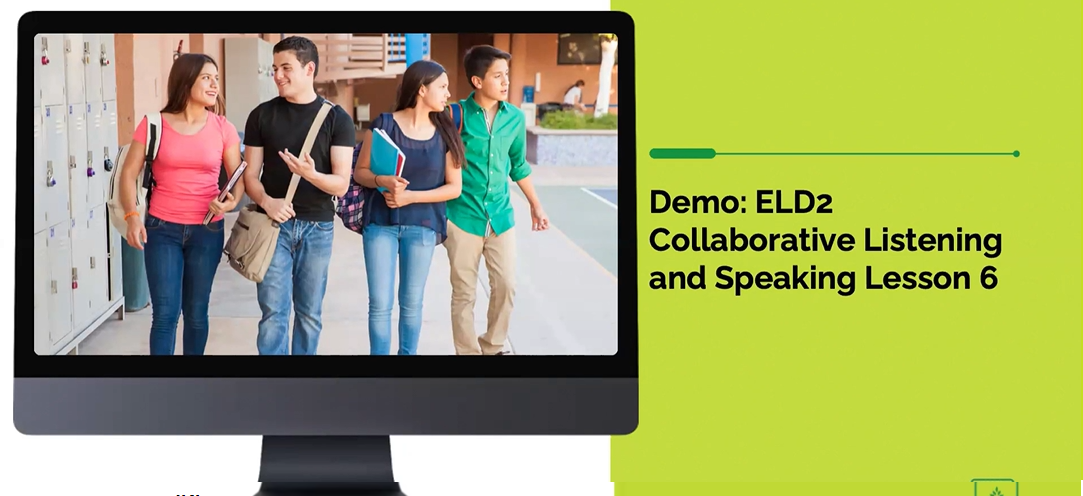
The ELD 2 modules are designed for more advanced English learners who are approaching reclassification. Learn how the ELD 2 lessons, practice assignments, and teacher-led instructional routines work, and where to find them in the program. In this training video, we will demo the ELD 2 Collaborative Listening and Speaking module. 

Progress Monitoring, Reporting, and Resources
Teacher Reporting and Resources 

LENGTH: 6:05

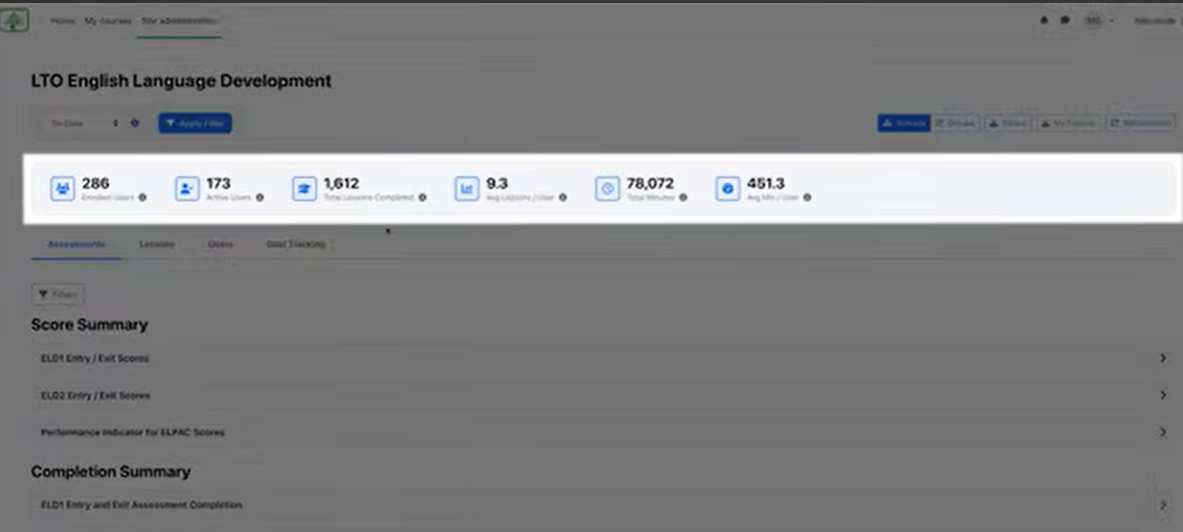
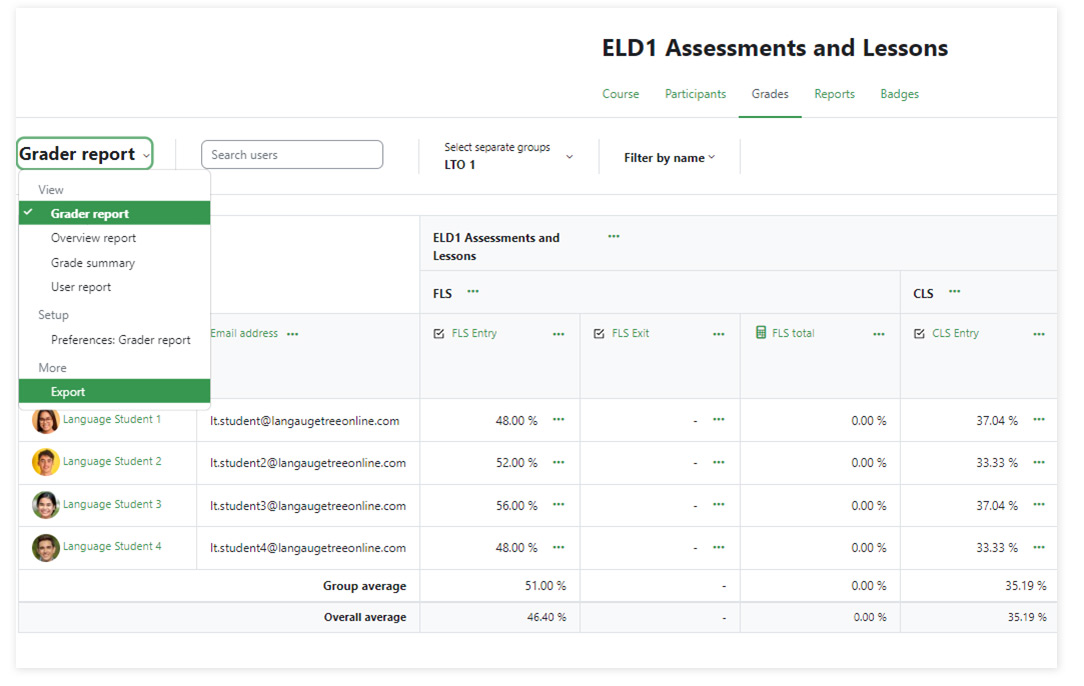
Teachers can monitor class progress as students work through the program. In this video, we will guide you through the Reporting and Resources areas, where you can monitor lesson and practice assignment completion, and see indicators of when students need intervention support. You'll also find valuable teacher resources, such as intervention tools and suggestions on how to encourage active participation.

ELD assessment software

If you are an existing customer and have support questions, contact us at Support.

If you are not a customer but would like more information about using Language Tree Online at your school, please use the contact form below.